
Choose the kind of road you want
The fastest road isn't always the one you want that day. A few switches on the Route tab let you ask for gravel, curves or no motorways. The app then plans the same start and end a different way.
1Open Menu, then Route
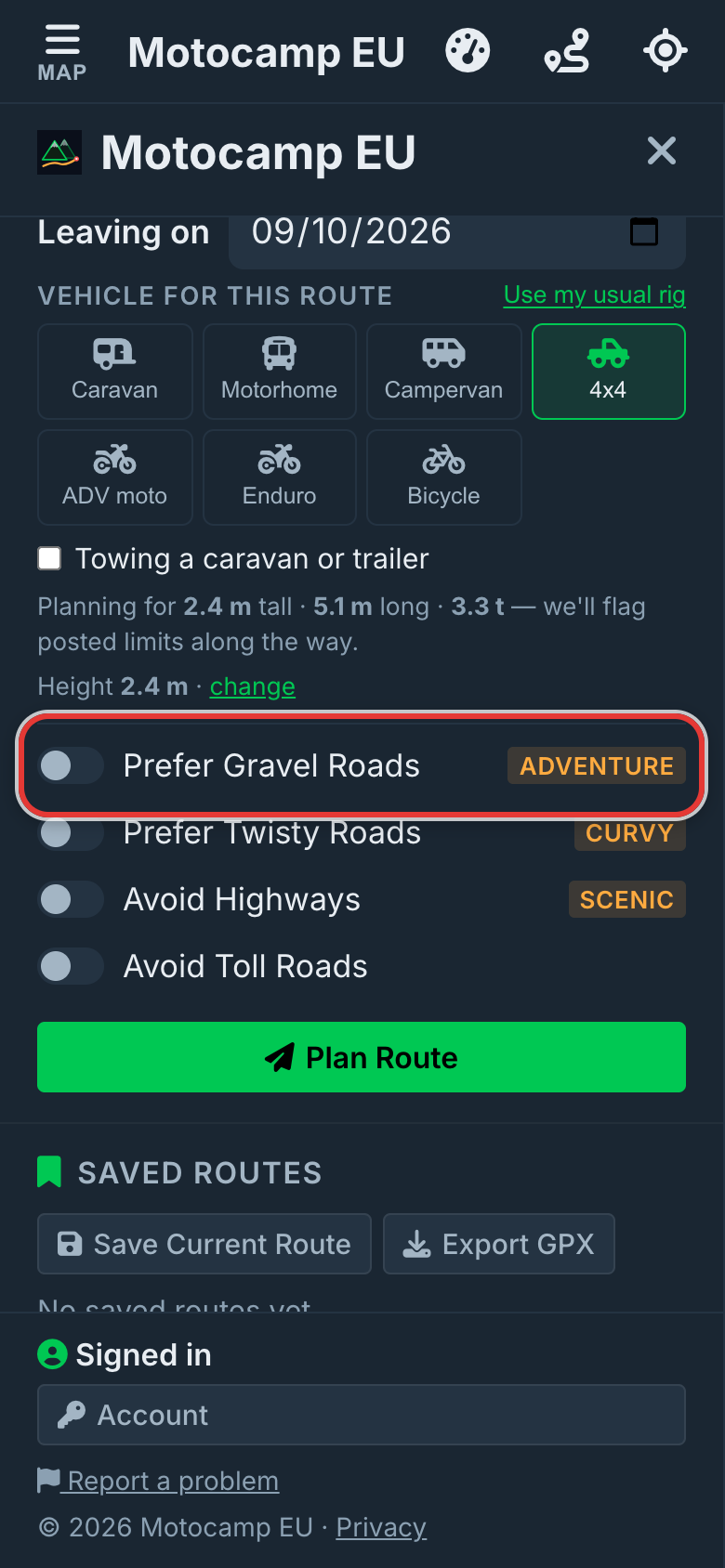
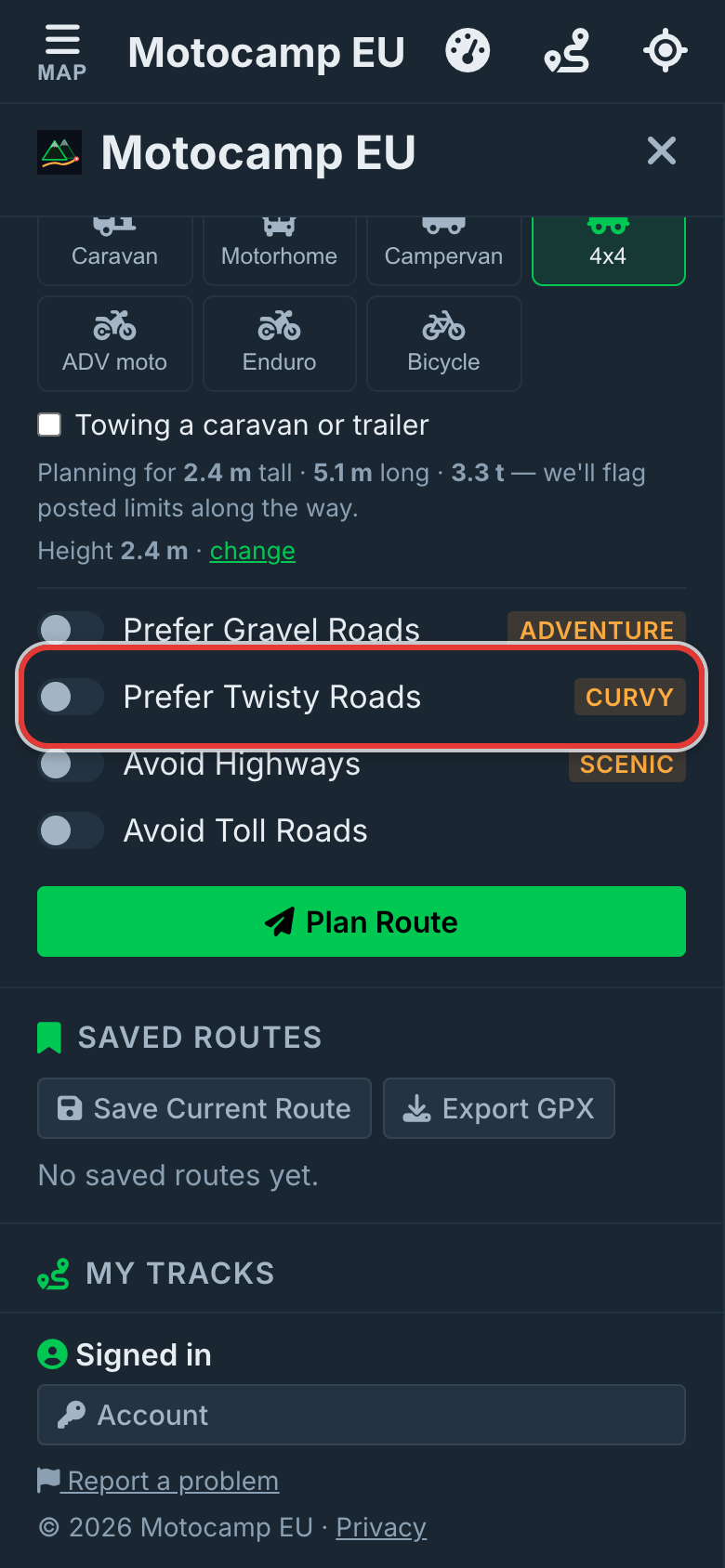
Tap Menu, then the Route tab. Scroll down past Plan with AI to Plan Your Route. The switches sit under Vehicle for this route. They are Prefer Gravel Roads, Prefer Twisty Roads, Avoid Highways and Avoid Toll Roads. With them all off, you get the usual road route for your vehicle.
2Pick your vehicle first
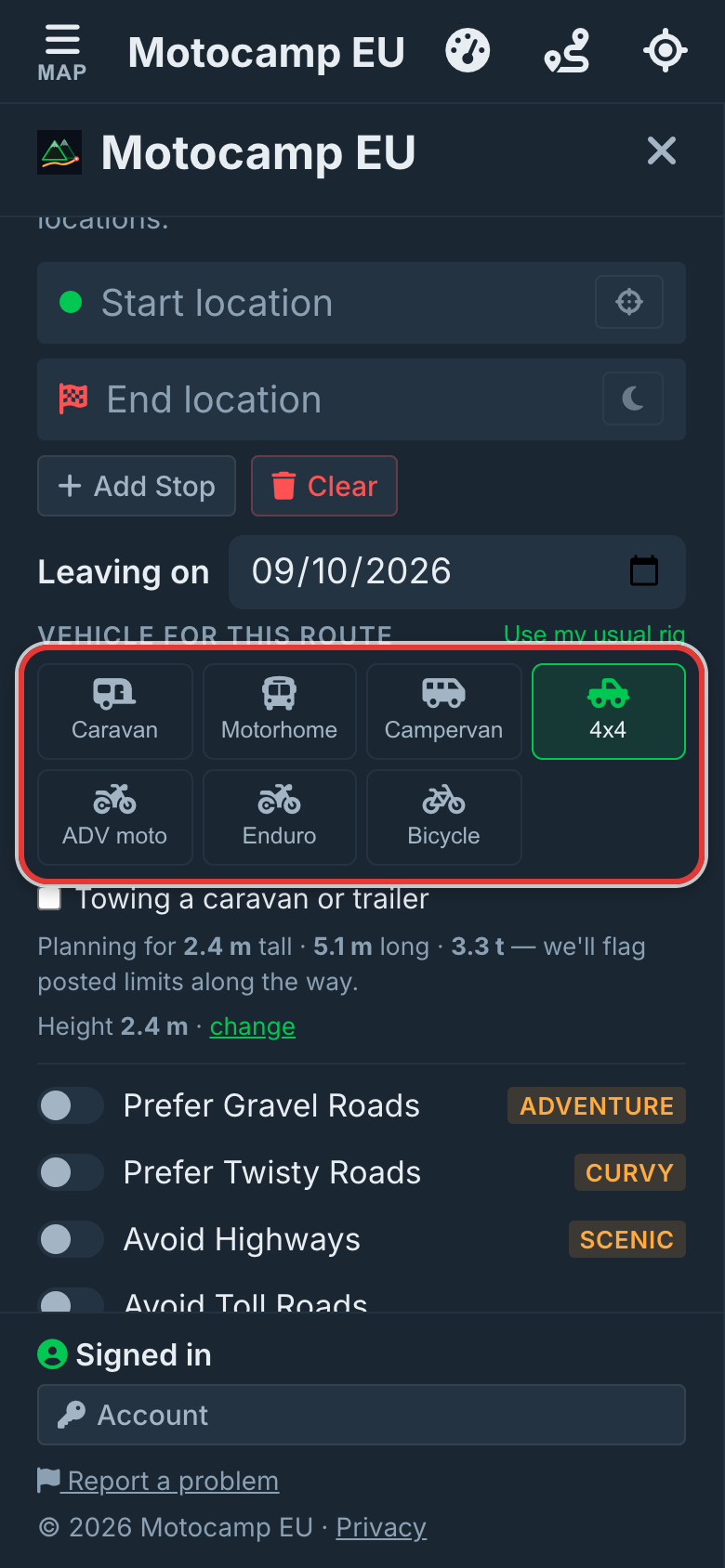
The switches change with the vehicle you tap under Vehicle for this route. For an Enduro bike, Prefer Gravel Roads becomes Hardest Tracks. It looks for the roughest tracks. A Caravan or Motorhome swaps the twisty and highway switches for its own safe roads switch. The pictures here use the 4x4.
3Turn on Prefer Gravel Roads
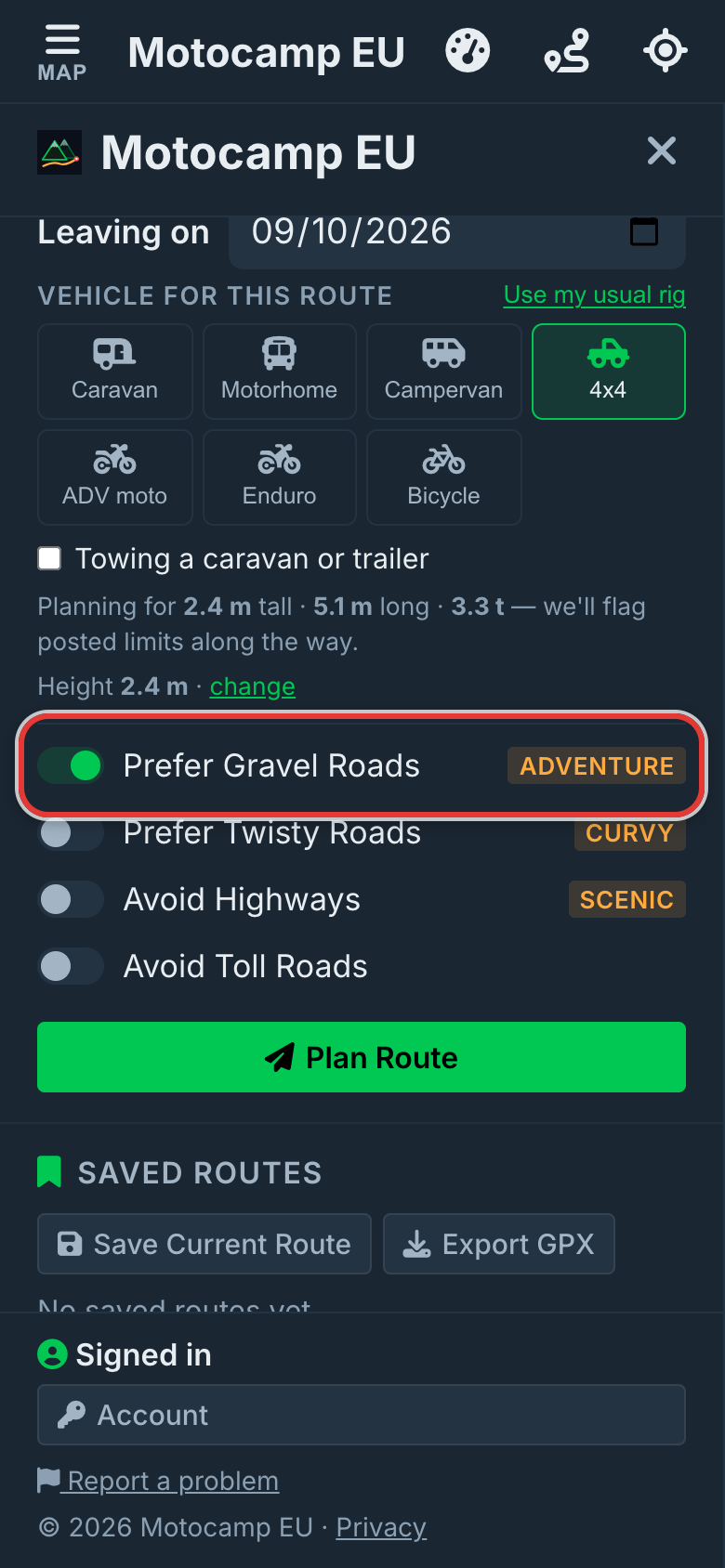
Tap Prefer Gravel Roads. The route then looks for gravel roads between your start and end. It won't go too far out of its way. The gravel way can be up to 1.8 times as long as the usual route. Any longer, and you get the usual route and a note saying why. The same happens if there's no gravel road nearby.
4Plan Route and see the result
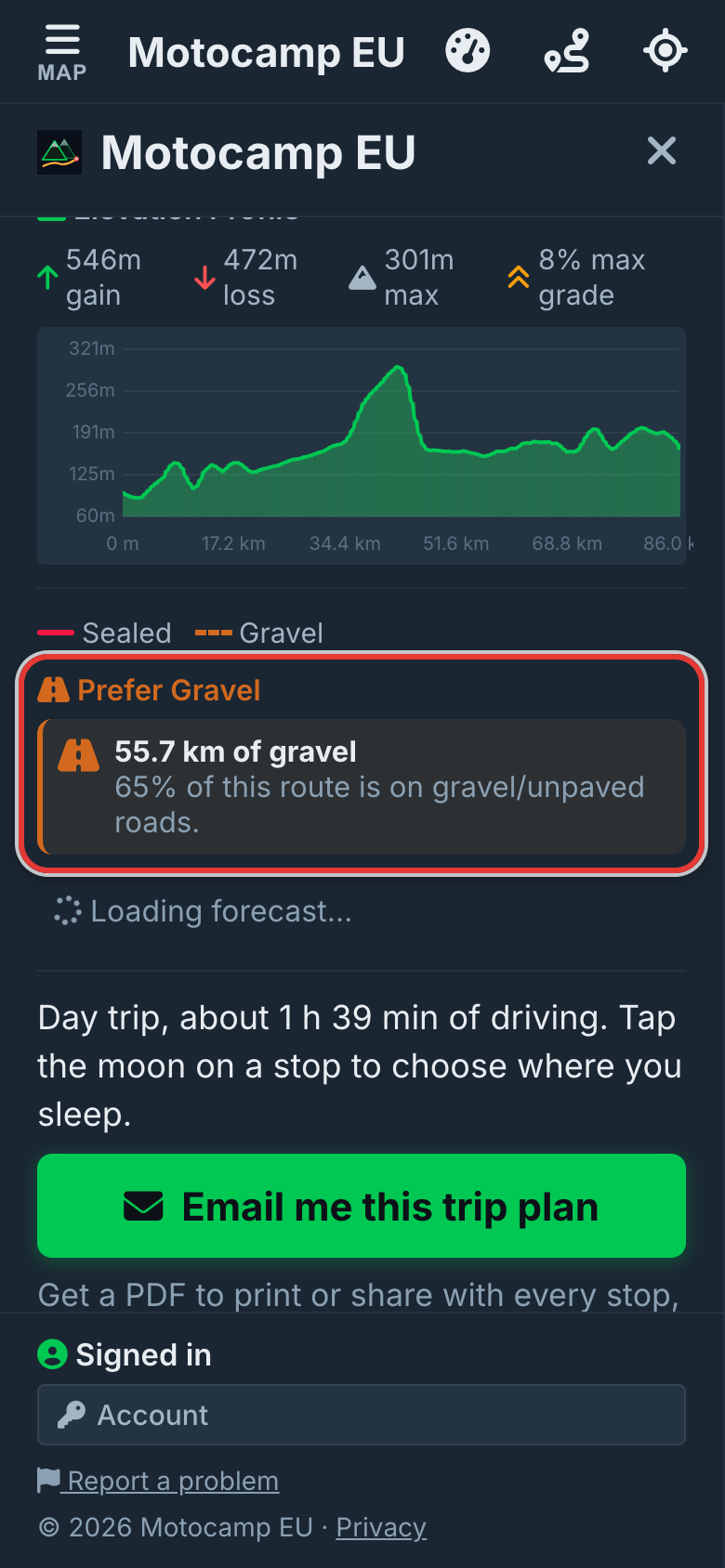
Add your start and end, then tap Plan Route. Look at the Route Summary at the top of the Route tab. It says how many kilometres are gravel. It also says what share of the trip that is. With a route already on the map, flipping the gravel, twisty or highway switch plans it again right away.
5Twisty, highways and tolls
Prefer Twisty Roads looks for winding back roads. It goes up to 1.6 times the direct distance. A note says how much longer the curves make it. Avoid Highways keeps you off motorways, unless back roads take over 25% longer. Avoid Toll Roads works for every motor vehicle. With gravel and twisty both on, gravel wins, and a note says so.
Good to know
Each switch is a wish, not a promise. Sometimes the roads you asked for aren't there, or the detour is too long. Then you get the usual route and a note saying so. With no signal, your phone still follows Prefer Gravel Roads and Avoid Highways. Prefer Twisty Roads needs signal. The app remembers how you leave the switches. A saved route keeps the switches it was planned with.
Also in the app: maps that work with no signal, campsites and aires, and Plan with AI. It plans routes for seven kinds of vehicle, from an enduro bike to a motorhome.