
Book your campsite straight with the owner
You reach a valley after a long day. The spot for the night is already on the map. Tap it to open its card. The first big button takes you to the campsite's own website. There you can book with the people who run it.
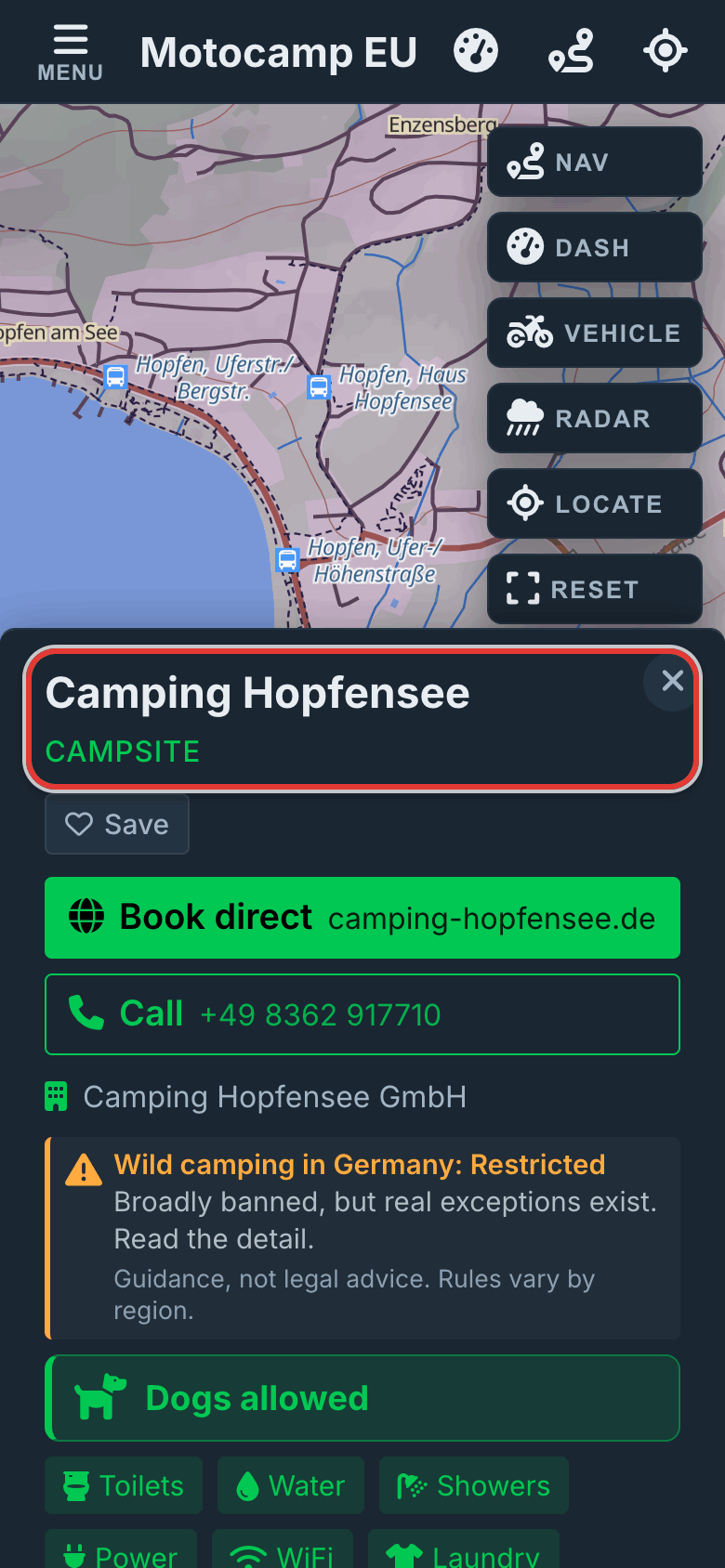
1Tap a campsite on the map
Zoom in on an area. Campsites and aires show on the map. Tap one and its card opens. The name is at the top. Can't see any? Tap Menu, then Layers. Under Places to Sleep, check that Campsites and Aires & Stellplätze are on.
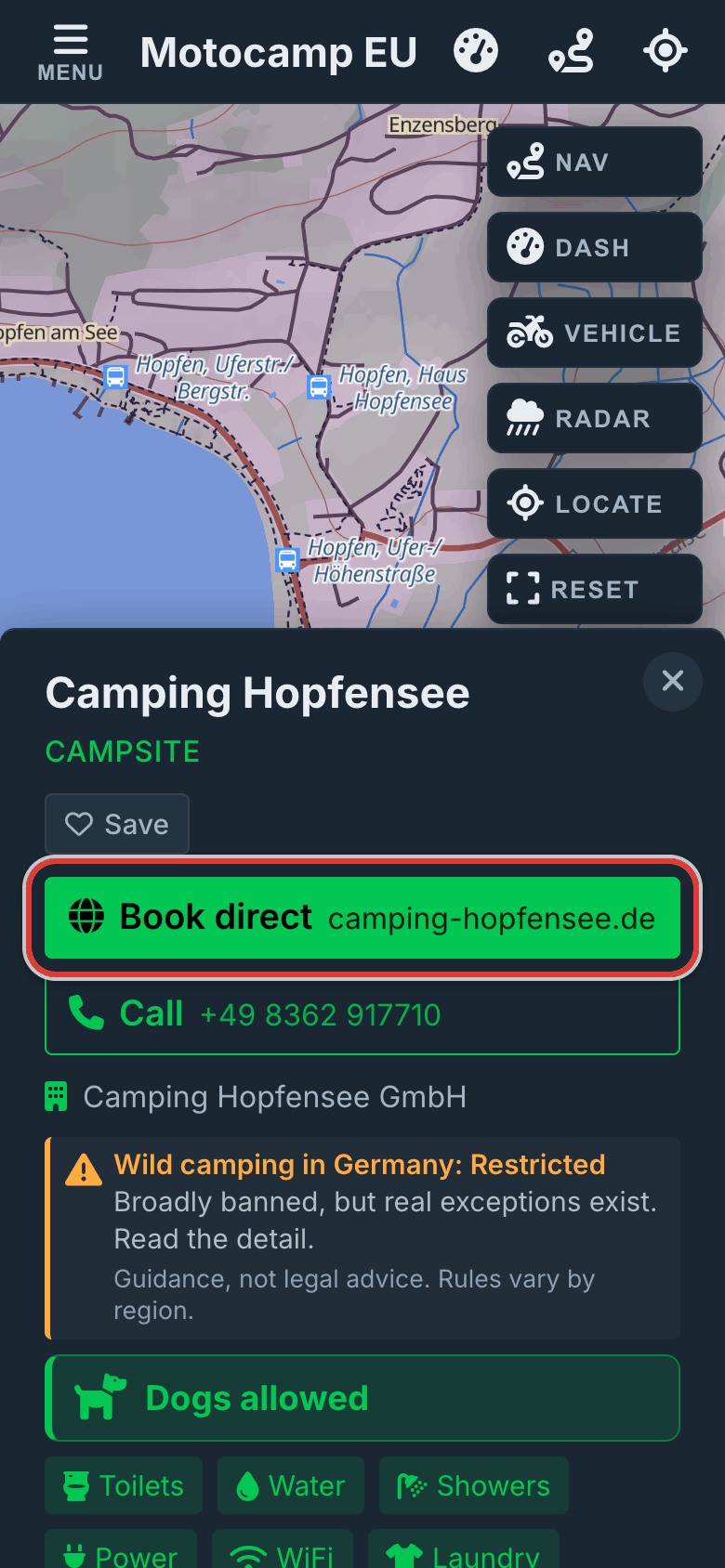
2Tap Book direct
Some campsites have their own website, and the map shows they take bookings. Their first big button says Book direct. The website's address is next to it. Tap it to book with the owner. The owner keeps what you pay. Other campsites have no booking details in the map. On those, the same button says Visit website. It still opens the campsite's own site.
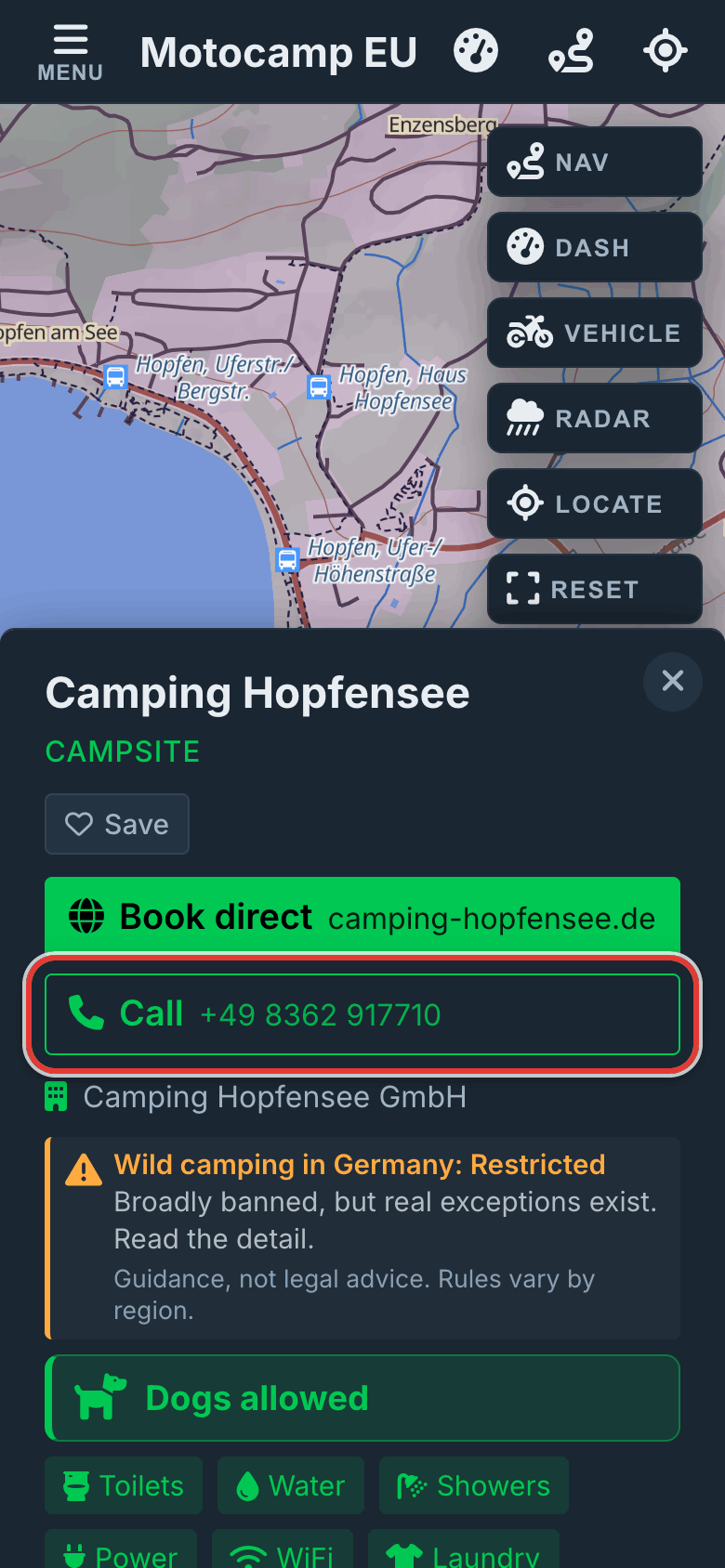
3Or tap Call
Does the map have the campsite's phone number? Then you also get a Call button, with the number on it. Tap it to ring the campsite from your phone. It's handy to check there's room before you drive in.
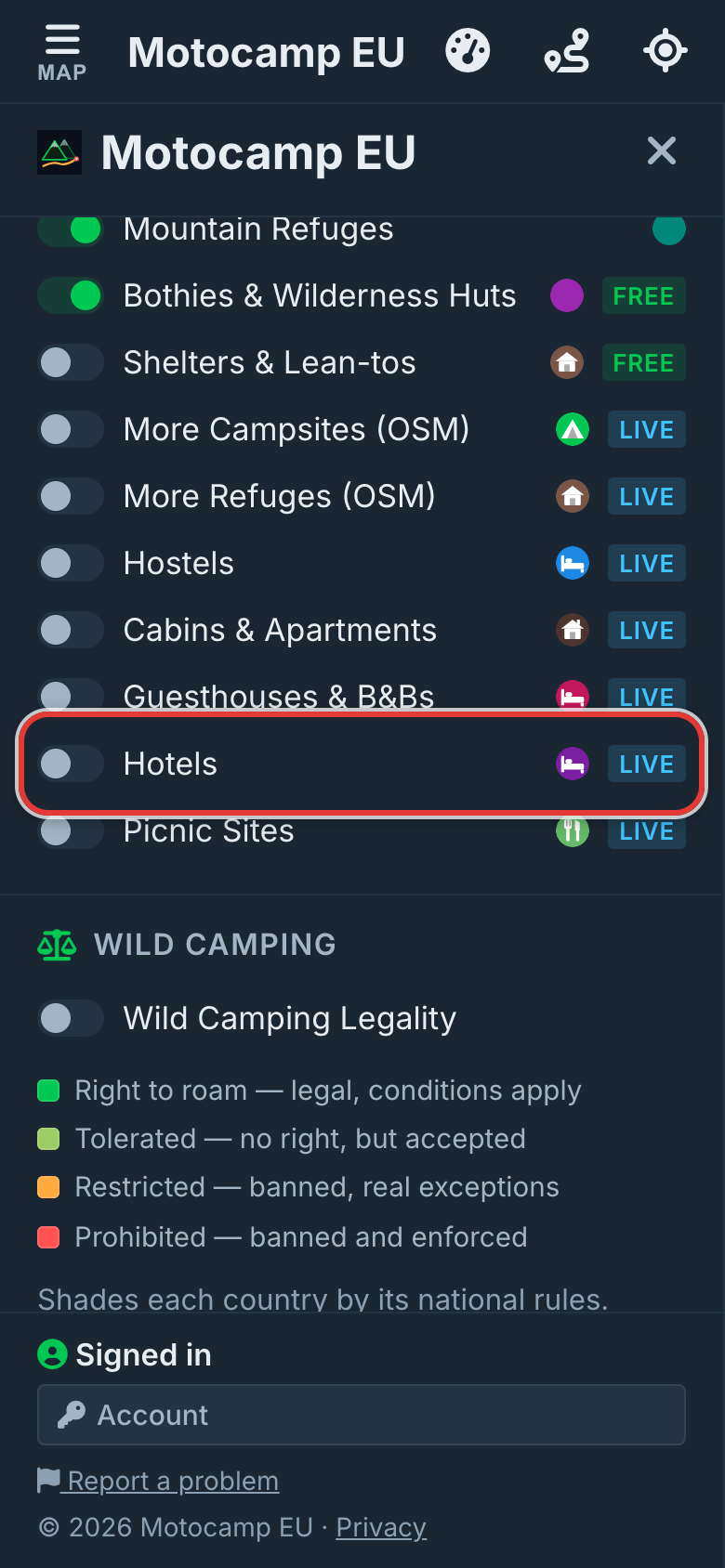
4Hotels and guesthouses too
Tap Menu, then Layers. Under Places to Sleep, switch on Hotels, Guesthouses & B&Bs, Cabins & Apartments or Hostels. Tap a pin. Does the place have its own website? Then its card shows Book direct first. The Booking.com link and Compare prices are smaller, at the bottom.
Good to know
Book direct and Visit website only show when the map has the place's own website. Booking sites, review sites and social media pages don't count. So not every card has one. When a card opens, the app checks the link. Has that page gone? Then the button opens the site's home page. Has the whole site gone? Then there's no button. Hotel, guesthouse, cabin and hostel pins need phone signal to load.
Also in the app: maps that work with no signal, campsites and aires, and Plan with AI. It plans routes for seven kinds of vehicle, from an enduro bike to a motorhome.